
Ferry Packing Checklist: What to Keep in Your Hand Luggage and Car
A practical tick-box guide to packing for a ferry crossing, covering documents, hand luggage and the...

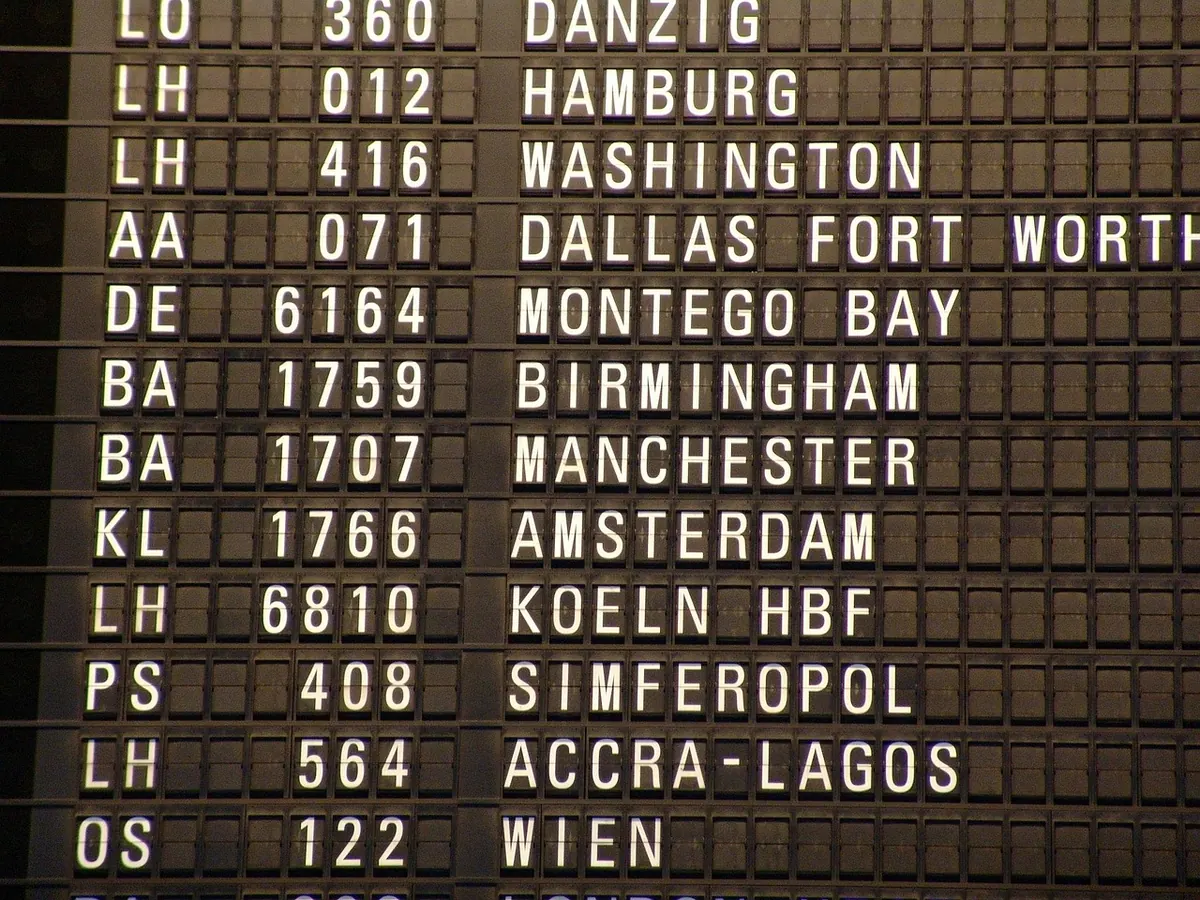
A ferry timetable can look like a spreadsheet that has been through a washing machine. Asterisks, daggers, tiny superscript letters, footnotes set in type so small you need to hold the page up to the window. None of it is designed to trick you, but none of it is standardised either — which is why two operators can use the same symbol to mean two different things.
Ten minutes spent learning the key is worth it. Here is how the common markers work, and how to check a sailing properly before you commit to it.
Before you decode anything, work out what the table is telling you. Rows are usually individual sailings; columns are usually days of the week or dates. The first thing to read is the validity period, often printed at the top of the page or in the file name. A timetable introduced in March may be replaced by a summer edition, and a PDF you saved last year is a trap rather than a reference.
Next, confirm which clock you are reading. Continental operators generally use the 24-hour clock; many UK ones print 12-hour times with am and pm, and some print both. Midnight is the usual stumbling block. A sailing listed at 00.30 departs in the small hours of the day named at the top of that column, not the evening before. Where a timetable shows 12.00am, treat it as midnight and check the neighbouring columns to be certain.
Departure and arrival times are almost always local to the port they refer to. On Dover to Calais, the arrival time is French time, an hour ahead of the UK for most of the year. A 07.00 departure arriving at 09.30 has therefore taken ninety minutes of sailing and an hour of time difference — not two and a half hours.
Symbols are operator-specific, so treat the list below as a guide to common meanings rather than a universal code. Always find the key, usually at the foot of the page or behind a “Timetable key” link online.
Many ferry timetables borrow railway shorthand, which is why you see strings like “Mo–Fr”, “SO” or “SX” in a column headed “Days”.
Days may appear as Mo Tu We Th Fr Sa Su, as M T W T F S S, or as numbers. The single-letter version is genuinely ambiguous — T could be Tuesday or Thursday, S Saturday or Sunday — so a table using it will normally define the order in the key. Numbered days follow one of two conventions: Monday to Sunday as 1–7, or Sunday to Saturday as 1–7. Check before you plan around a “4”.
The pattern is easier than it looks: one letter for the day, X for “excepted”. Once you spot that, most codes decode themselves.
Underneath the time, timetables often name the vessel or the type of service. This matters more than it appears.
A conventional ferry or Ro-Ro is the classic car ferry: slower, usually roomier, with more to do on board. An HSC, catamaran or “fast craft” cuts crossing time but often carries tighter luggage rules and has less deck space. A passenger-only or foot-passenger service takes no vehicles at all, and on some routes it is the only option on a particular day.
You may also see route letters, such as two sailings between the same pair of ports listed as “A” and “B”. These are different services, occasionally using different berths or terminals within the same harbour, and sometimes with different check-in arrangements. If your ticket says sailing B, turn up for B.
The footnote is not small print to skip. It is where the timetable tells you the things that will actually disrupt your day: that a sailing is tidal and shifts by up to an hour either side of the printed time, that check-in closes thirty or forty-five minutes before departure, that the last crossing does not run on 25 December, or that onward coach and rail connections are only guaranteed on specific sailings.
Read the notes attached to your sailing, then read the general notes at the bottom of the table — the ones that apply to everything. Two minutes there beats an hour in a queue. Where a note mentions tides, weather or “operates subject to”, treat that sailing as a plan with a margin rather than a fixed appointment.
Do that and a timetable stops being a puzzle. It becomes what it was always meant to be: a clear answer to a simple question — does a ferry leave when you need it to, and can you be on it?
Photo: Peggy_Marco / Pixabay
A practical tick-box guide to packing for a ferry crossing, covering documents, hand luggage and the...
A stage-by-stage walkthrough of a first ferry crossing, from booking checks and port check-in to boarding,...
Dover, Newhaven and Portsmouth all cross the Channel, but drive times, operators, crossing lengths and...